Free guide
Manage active devices and your subscription
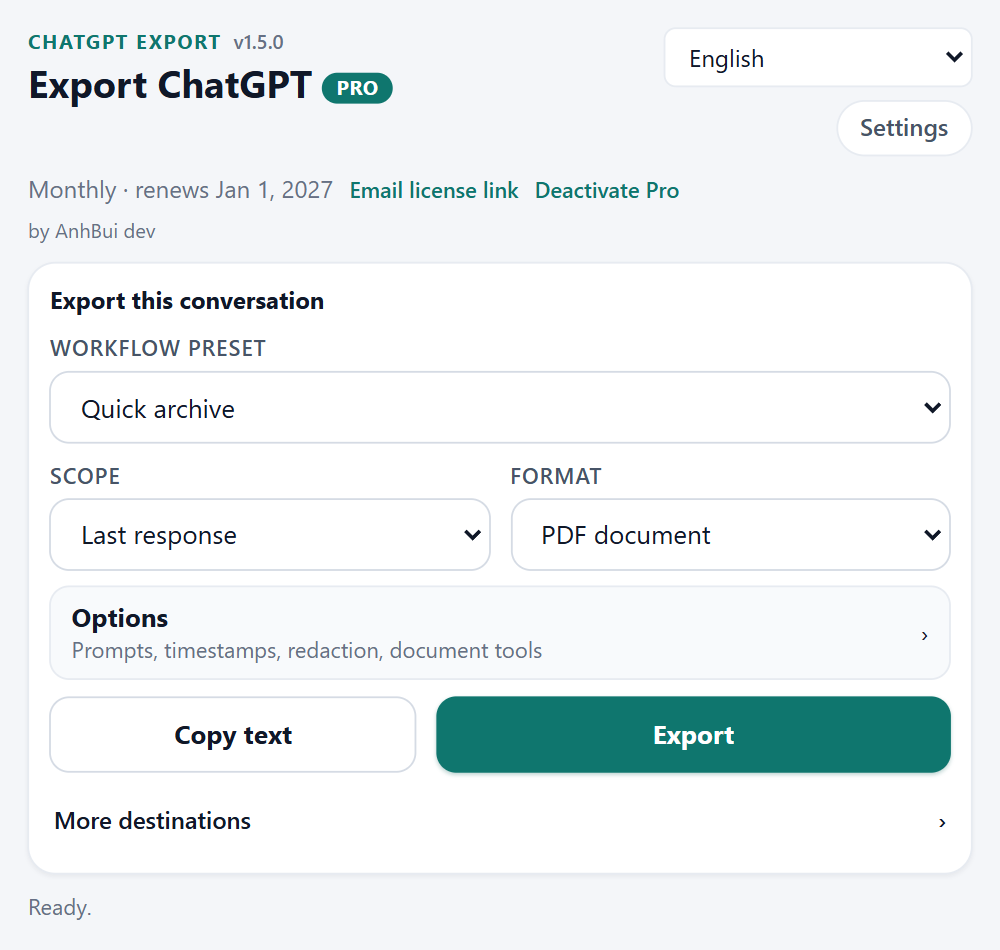
Release this device from Settings, or manage other devices and billing with your private license link.
Available with FreeStep by step
How to use it
- 1
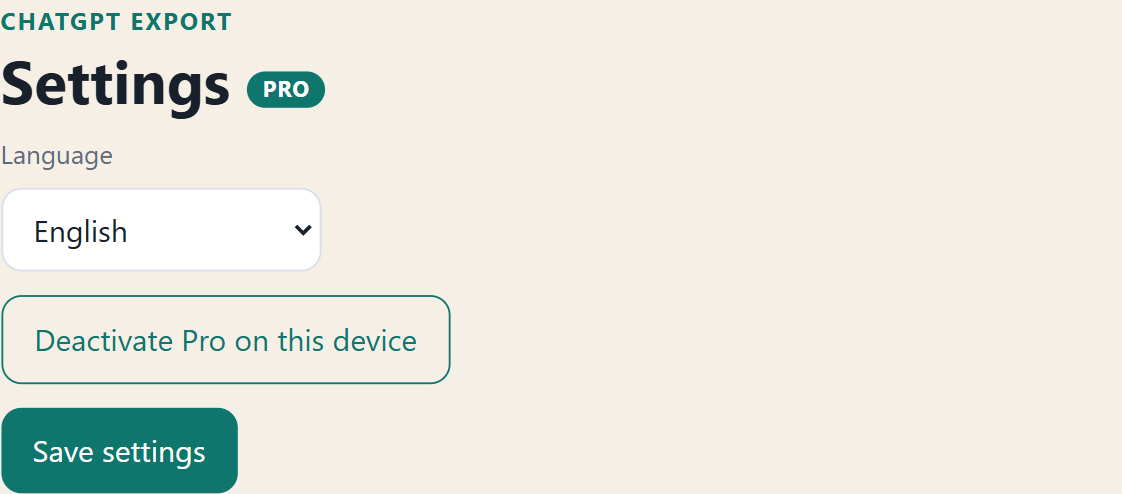
While Pro is active, Upgrade and Restore actions are hidden. Open Settings from the popup and choose Deactivate Pro on this device. The saved activation is cleared only after server confirmation — reconnect and retry if it fails.
- 2
Deactivating a device does not cancel a subscription. Pro allows up to three active devices, so release a slot before restoring on another device.
- 3
Open the private license link in your purchase or restore email to revoke a device you no longer use, or to cancel/undo the subscription.
- 4
License links expire after ten minutes. Request a new restore email if yours has expired.
- 5
If a renewal payment failed, use Update payment method on the same page before the grace deadline.
Numbered markers on the interface map match these steps.