Free guide
Restore a Pro purchase on a new device
Activate Pro with your email — no account or password needed.
Available with FreeStep by step
How to use it
- 1
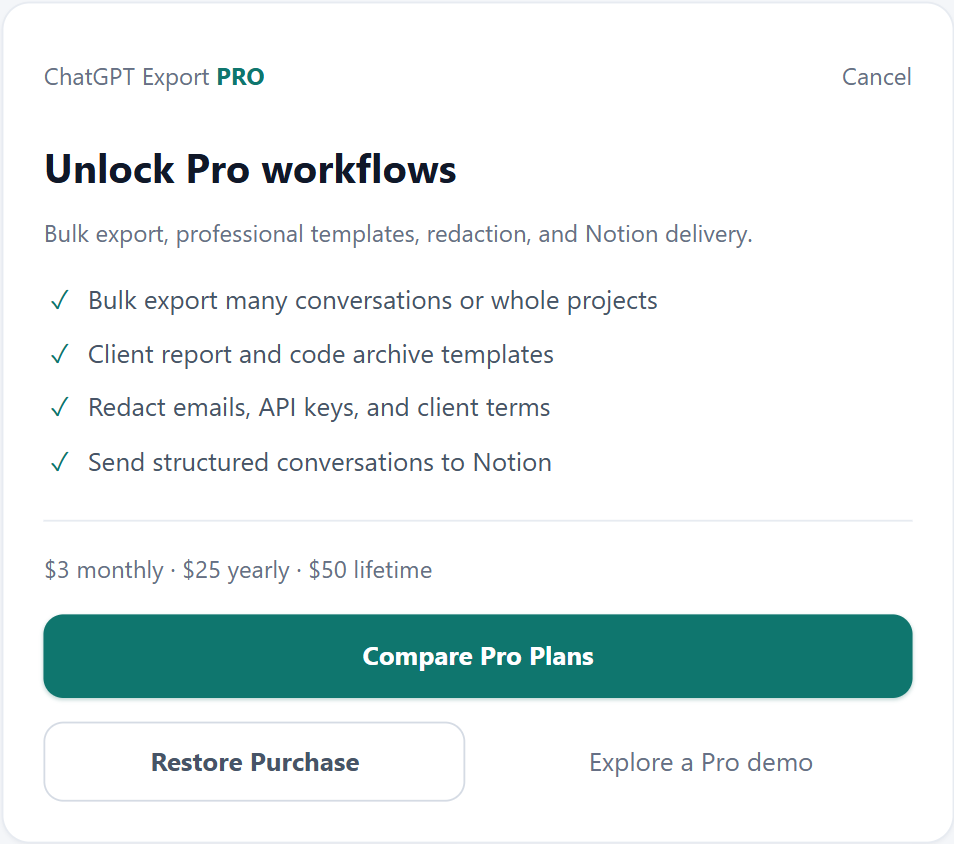
Open the extension and choose Unlock Pro, then Restore Purchase. A ChatGPT tab is not required.
- 2
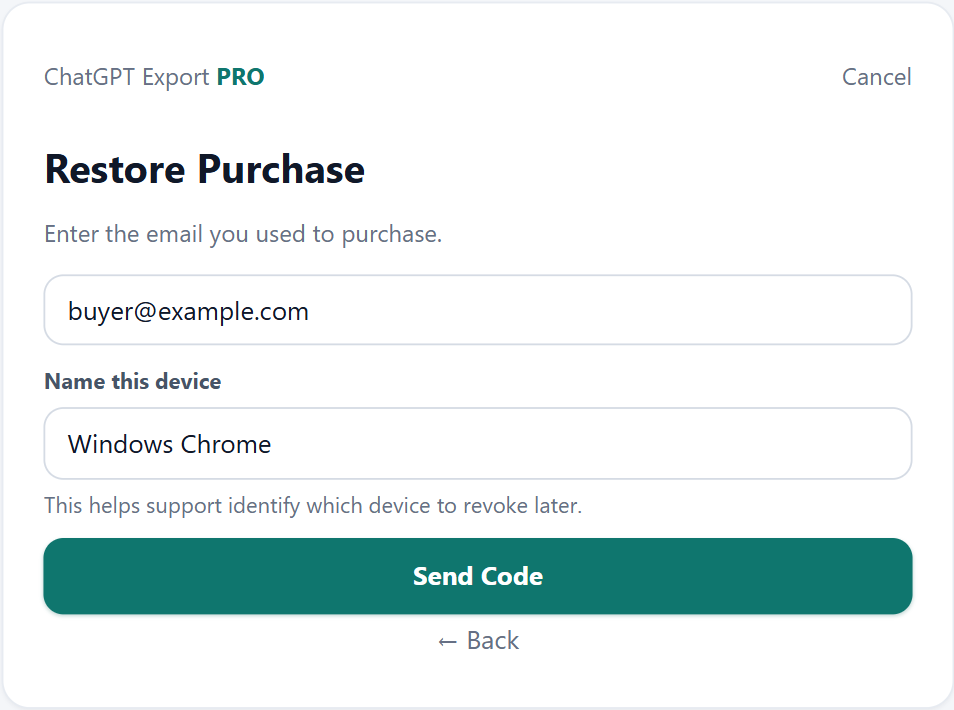
Enter the email used at checkout, name this device, and choose Send Code.
- 3
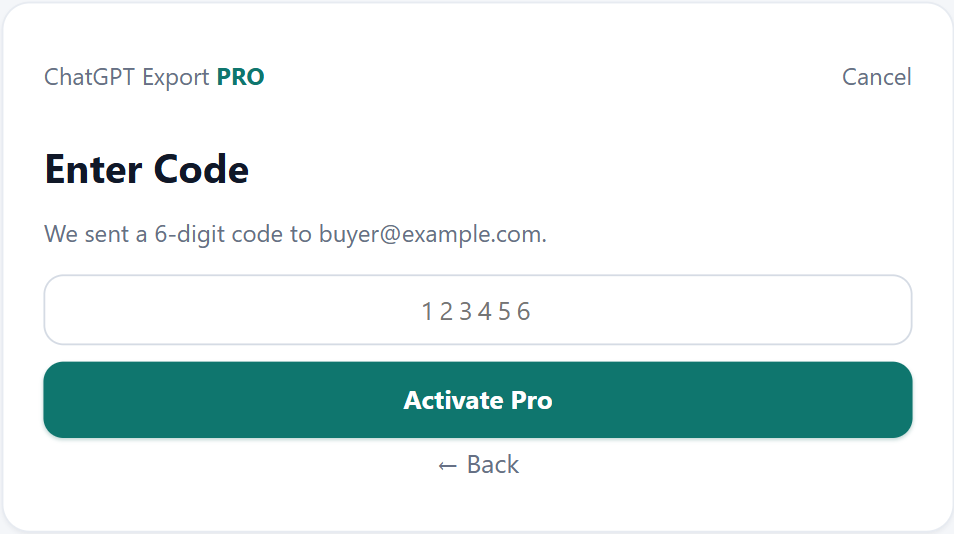
Enter the one-time code from your email and select Activate Pro. Never share that code.
Numbered markers on the interface map match these steps.